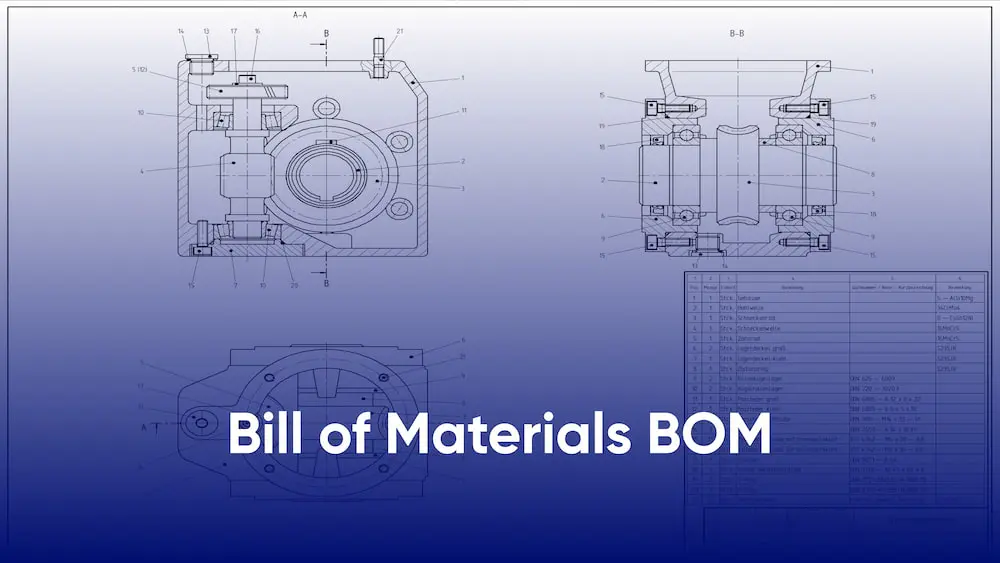
A construction bill of materials (BOM) serves as the master inventory guiding every material procurement decision on a project. This comprehensive document ensures teams order exactly what’s needed when it’s needed, preventing costly delays and waste.
What is a Bill of Materials in Construction?
A construction (BOM) is a detailed, structured list of every raw material, component, fixture, and assembly required to complete a construction project, including quantities, specifications, unit costs, and procurement details. Unlike a general bill of quantities (BOQ) that lists measured work items, a construction BOM lists physical materials.These include concrete, rebar, bricks, HVAC units, doors, and electrical fixtures.It serves as the procurement team’s main shopping list.
In practice, construction BOMs connect design intent with field execution. They’re extracted from BIM models, developed from architectural/engineering drawings, or compiled during pre-construction planning. For complex projects like hospitals or high-rises, BOMs can span thousands of line items organized by trade, phase, or building system.
What are the benefits of a bill of materials in construction?
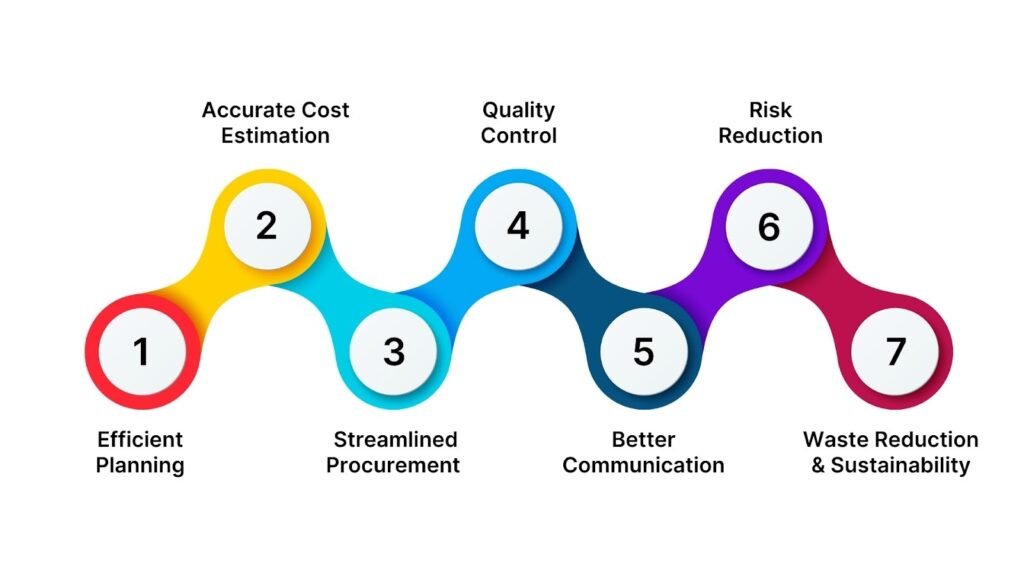
Construction BOMs deliver measurable advantages across the project lifecycle:
- Precise material procurement: Eliminates guesswork, ensuring exact quantities ordered—reducing overstock by 15-25% and stockouts causing delays
- Cost control: Provides baseline for budget tracking; unit cost × quantity reveals material cost variances early
- Improved cash flow: Staggered ordering based on construction sequence prevents tying up capital in unused inventory
- Waste reduction: Accurate quantities minimize excess materials sent to landfill (construction waste averages 30% of landfill volume)
- Faster subcontractor coordination: Clear material lists enable precise bid pricing and material lead time planning
- BIM integration: Model-based BOMs update automatically with design changes, maintaining accuracy through revisions
- Claims prevention: Documented material approvals protect against change order disputes
Key Components of a Construction BOM
Every construction BOM line item includes these essential fields:
| Component | Description | Example |
| Item Number | Unique identifier | BOM-001 |
| Material Description | Detailed name, type, grade | ASTM A615 Grade 60 Rebar, #5 bar |
| Quantity | Exact amount required | 2,450 linear meters |
| Unit of Measure | Measurement standard | LM, MT, EA, M² |
| Unit Cost | Price per unit | $1.25/LM |
| Total Cost | Quantity × Unit Cost | $3,062.50 |
| Specifications | Technical standards, dimensions | 16mm dia., 1.5m lengths |
| Supplier | Approved source | ABC Steel Co., Cairo |
| Lead Time | Procurement timeline | 14 days |
| Notes | Special instructions | Epoxy coated per spec 0345 |
Types of bill of materials Used in Construction
Different BOM formats serve specific project needs:
- Engineering BOM (EBOM): Design-team generated from CAD/BIM models—reflects exact design intent with part numbers and assemblies
- Manufacturing BOM (MBOM): Production-focused; adds fabrication sequence, packaging, and on-site assembly instructions
- Construction BOM (CBOM): Site-specific; lists materials arriving at job site (concrete, bricks, formwork) with delivery staging
- Stage BOM: Organized by construction phase—foundation BOM, superstructure BOM, MEP BOM, finishes BOM
- System BOM: Grouped by discipline — electrical BOM, plumbing BOM, HVAC BOM
- Master BOM: Comprehensive project-wide document consolidating all subsidiary BOMs
How to Create an Effective Construction BOM
- Extract from source documents: Import material schedules from Revit, AutoCAD, or architectural specifications
- Break project into phases: Divide by construction sequence: site prep, foundations, structure, envelope, MEP, finishes
- Calculate precise quantities: Use BIM quantity takeoff, manual takeoffs from drawings, or estimator calculations (add 5-10% waste factor)
- Gather specifications: Cross-reference material submittals, standards (ASTM, BS, DIN), and approved manufacturer lists
- Assign suppliers and costs: Contact pre-qualified vendors for current pricing and lead times; build cost database for future projects
- Review with stakeholders: Architect, engineer, contractor, and procurement team validate completeness and accuracy
- Format and version control: Excel, construction software, or ERP system with revision tracking
Pro Tip: Start with a standardized BOM (Bill of Materials) template—try our construction quantity takeoff services—to ensure consistency across projects.
Common Challenges in Construction BOM Management with Solutions
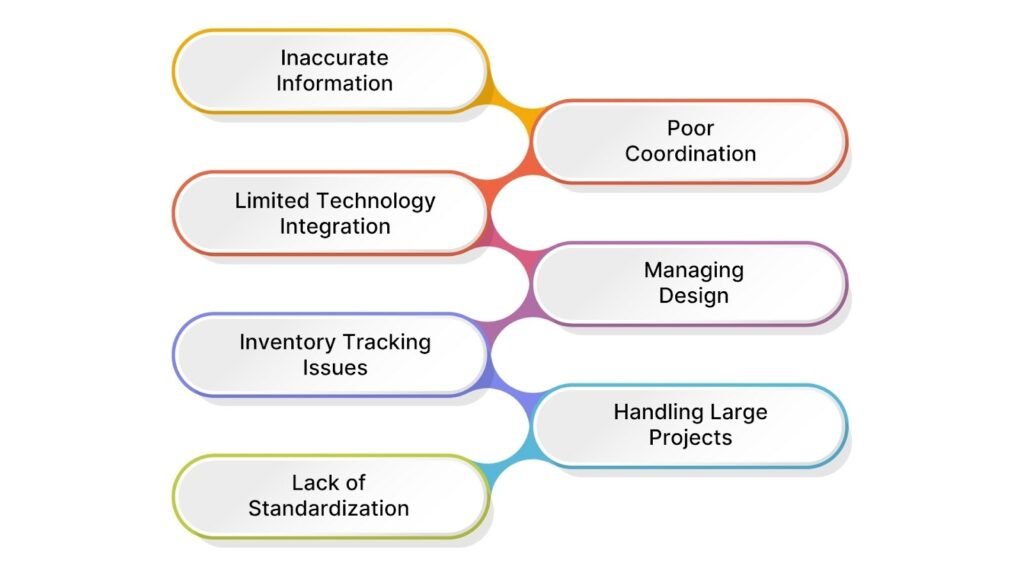
| Challenge | Impact | Solution |
| Incomplete quantities | Shortages delay work | BIM automated takeoff + manual QC |
| Design changes | An outdated BOM causes waste | Live BIM-BOM integration, change log |
| Supplier pricing volatility | Budget overruns | Quarterly vendor price updates, escalation clauses |
| Poor version control | Teams use different BOMs | Centralized CDE (Autodesk ACC, Procore), revision workflow |
| Manual data entry errors | Wrong materials ordered | ERP integration, barcode scanning |
| Lead time mismatches | Critical path delays | Procurement scheduling aligned with CPM schedule |
Software Solutions: Kreo, Autodesk BIM 360, Procore, PlanGrid, and RIB Candy for automated BOM management and real-time updates.
Conclusion
A well-built construction bill of materials streamlines procurement with accurate quantities, specs, costs, and timelines, reducing guesswork, protecting budgets, and speeding schedules. Integrated with BIM and management platforms, it becomes a real-time tool that delivers materials when and where needed
FAQ About bill of materials
Q1. What is a Bill of Materials (BOM)?
A Bill of Materials (BOM) is a structured list of all the materials, parts, components, and sub‑assemblies needed to build a product or structure, along with the quantities and sometimes costs for each item.
Q2. What does a Bill of Materials include?
A typical BOM includes the following:
- Part/item name and number
- Description
- Quantity needed
- Unit of measure
- Procurement type (make vs. buy)
- Supplier or vendor reference
- Revision level or drawing reference
- Cost fields (unit and total)
- Parent–child relationships in multi‑level structures.
Q3. What is a Bill of Materials in construction?
In construction, a Bill of Materials (BOM) is a detailed list of all materials, components, fittings, and assemblies required for a project, including quantities, specs, and sometimes suppliers. It helps in planning, cost control, ordering, and avoiding shortages or waste on site.
Q4. What are the five types of BOMs?
- Single‑level BOM – lists one layer of parts directly under the parent product.
- Multi‑level BOM – shows parent–child relationships across several levels of assemblies.
- Engineering BOM (EBOM) – design‑focused, from the CAD/engineering team.
- Manufacturing BOM (MBOM) – production‑focused, with assembly instructions and process steps.
- Service/After‑sales BOM – lists spare parts and replacement components for maintenance and repairs.
Q5.What is the difference between a construction BOM and BOQ?
A BOM lists physical materials with quantities and costs; a BOQ measures work items (excavation in m³, concrete in m³) for contractor pricing.
Q6.How often should a construction BOM be updated?
Typically, a construction BOM should be updated weekly during pre-construction and bi-weekly during construction, following every design revision that affects quantities.
Q7.What accuracy is expected in a construction BOM?
±5-10% during pre-construction and ±3% for the final procurement BOM after the design freeze.
Q8.Can BIM software generate construction BOMs automatically?
Yes, Revit schedules, Navisworks quantification, and Autodesk Construction Cloud extract live BOMs directly from 3D models.
Q9.What are typical BOM management software options?
Kreo, Autodesk ACC, Procore, PlanGrid, RIB Software, and ERP systems like SAP/Oracle for enterprise projects.