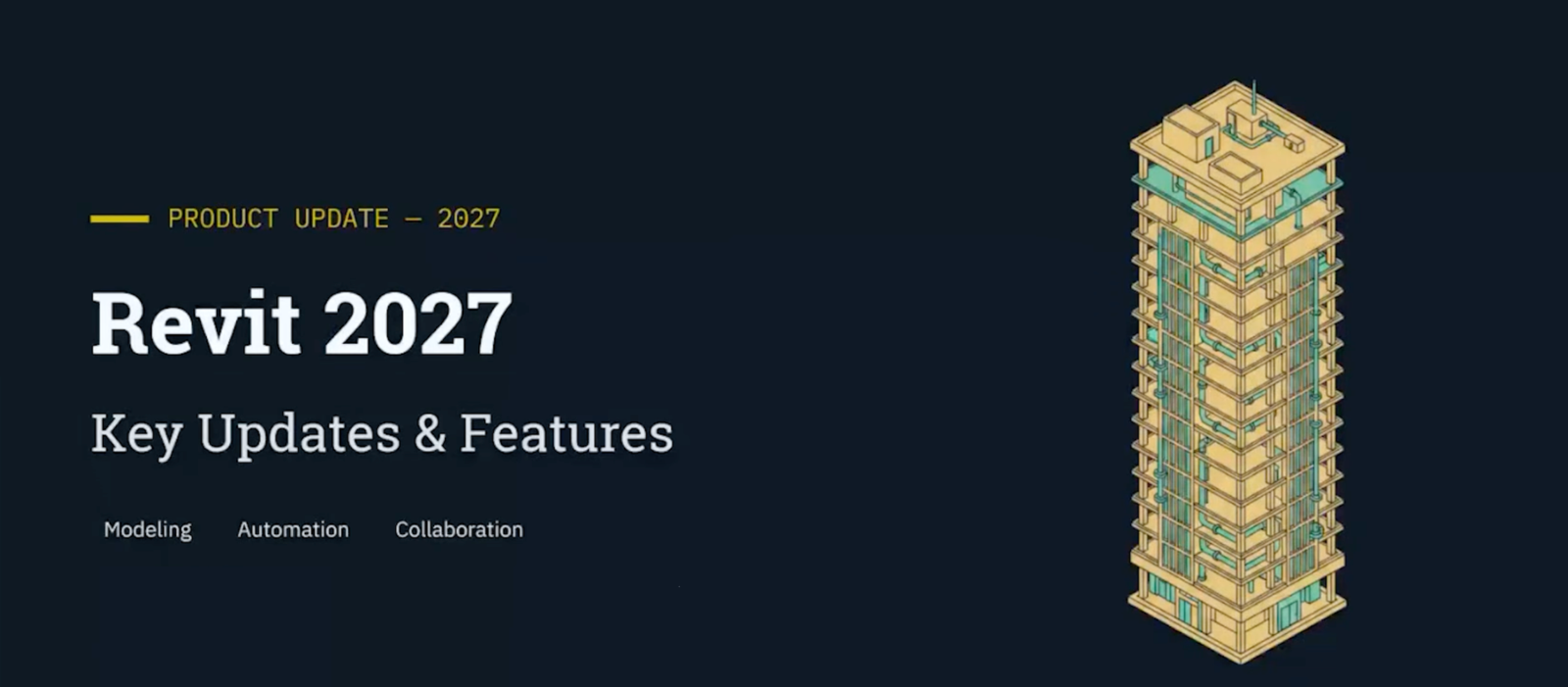
Autodesk Revit 2027 introduces a range of updates designed to improve BIM workflows across modeling, documentation, coordination, and sustainability analysis. The release focuses on reducing manual work, improving model interaction, and helping project teams make faster and smarter decisions during design and documentation stages.
New Numbering Tool in Revit 2027
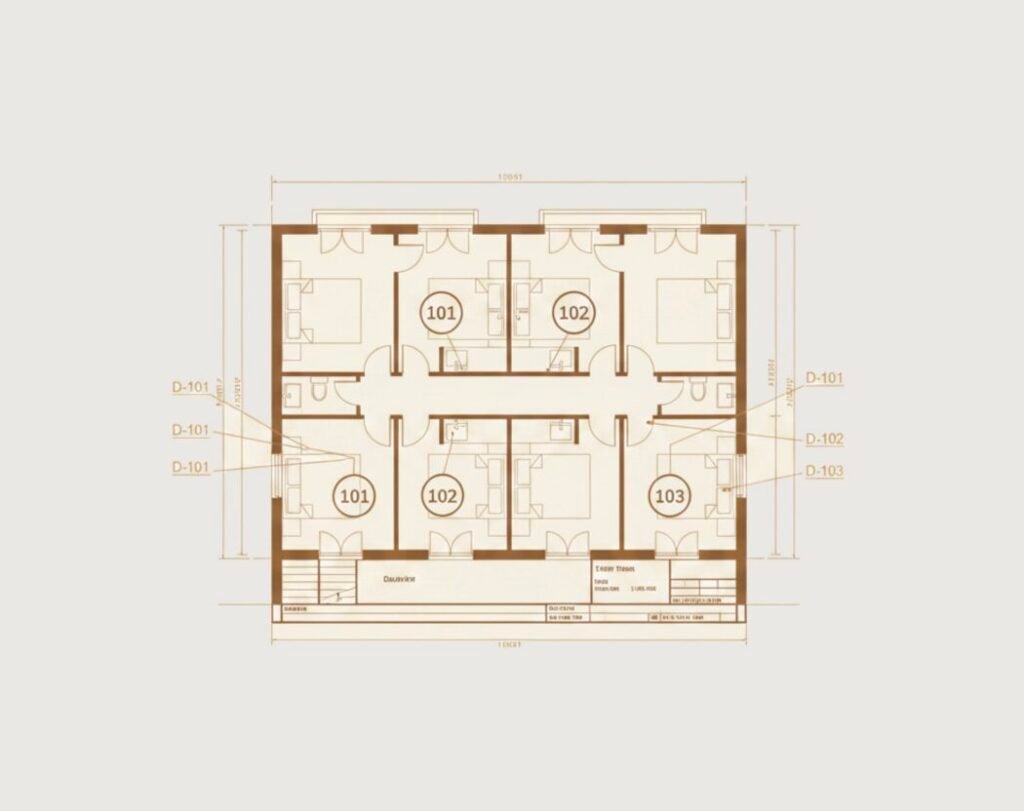
One of the most useful workflow improvements in Revit 2027 is the new numbering tool. It introduces algorithmic numbering rules that help users automatically organize and assign numbers to model elements in a more logical and consistent way across the project.
- Algorithmic Numbering Rules
Establish logical relationships and algorithmic rules for automatic element numbering across your entire model. - Door-to-Room Alignment
Example: Align door tags with room numbers automatically, ensuring consistent documentation without manual intervention. - Reduced Manual Work
Improves consistency across large projects and dramatically reduces the time spent on manual numbering and renumbering tasks.
Autodesk Assistant AI in Revit 2027
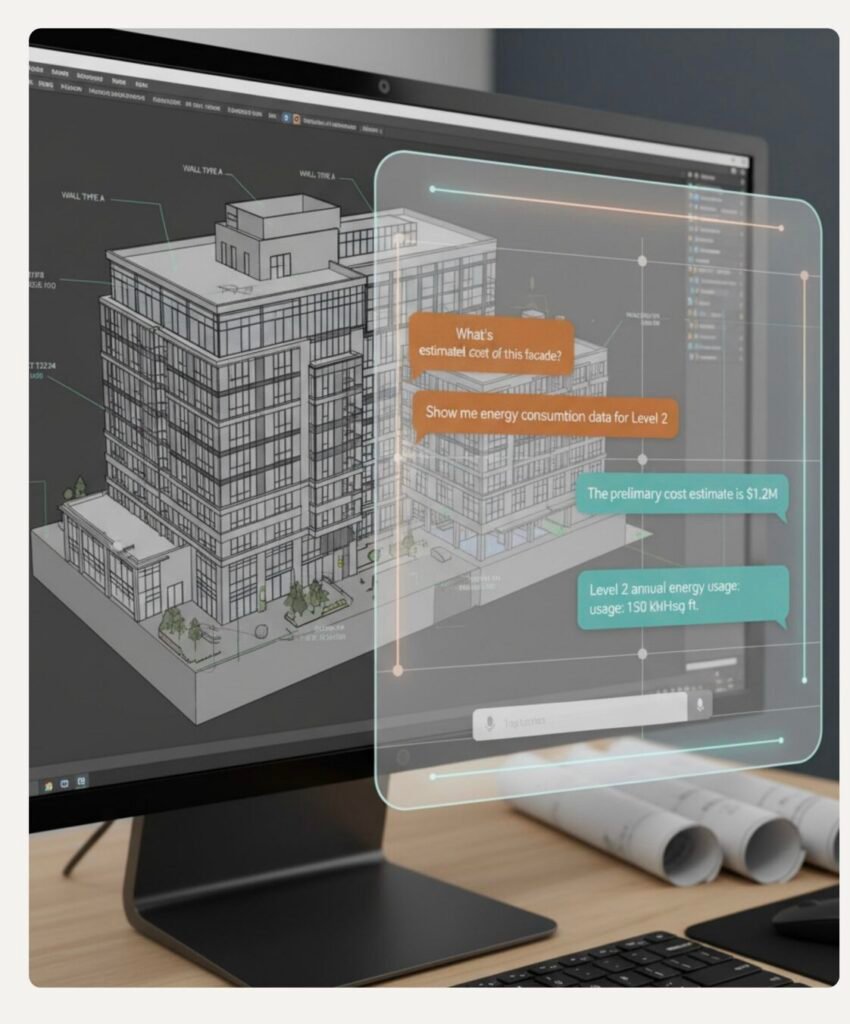
One of the most forward-looking additions in Revit 2027 is Autodesk Assistant AI. Autodesk presents it as an AI-powered assistant integrated directly into Revit, currently available as a technology preview, showing the company’s broader move toward smarter and more interactive BIM workflows.
- AI-Powered Tech Preview
A new AI-powered assistant integrated directly into Revit, currently available as a technology preview. - Model Q&A
Ask questions about your model and get instant answers, from element counts to property lookups. - Smart Model Queries
Perform complex model queries using natural language, making data extraction faster and more intuitive. - Schedule Generation
Assist in creating schedules from natural language prompts. Results may need manual cleanup for accuracy.
This is one of the clearest signs that Autodesk is moving toward AI-assisted BIM workflows. Rather than forcing users to manually search through model data, the assistant is positioned as a tool to speed up information access and simplify common queries.
Accelerated Graphics in Revit 2027
Revit 2027 also introduces important graphics performance upgrades through its accelerated graphics improvements. Autodesk highlights smoother viewport behavior, faster visual feedback, and a more responsive modeling experience across different model sizes and view types.
This matters because graphics performance directly affects daily modeling speed. A smoother and more responsive interface can reduce interruptions, improve navigation, and make reviewing large models more practical.
Annotation Enhancements
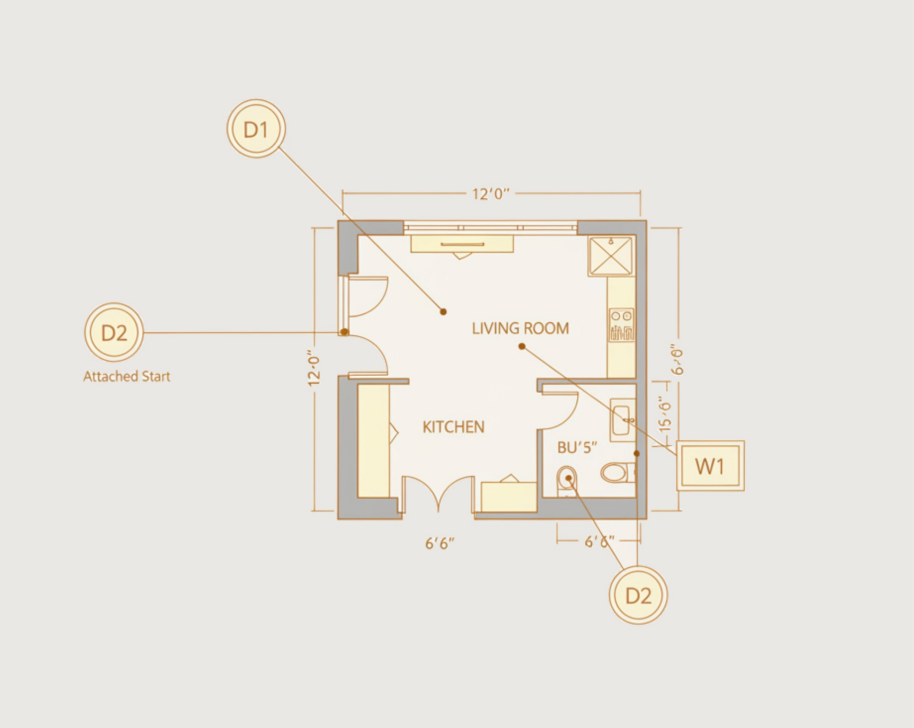
- Attached Leader Options
Tags now include both Attached Start and Attached End leader options, giving you precise control over where leaders connect to elements. - Flexible Tag Placement
Greater flexibility in tag placement and leader configuration allows for cleaner, more readable annotation layouts in your documentation.
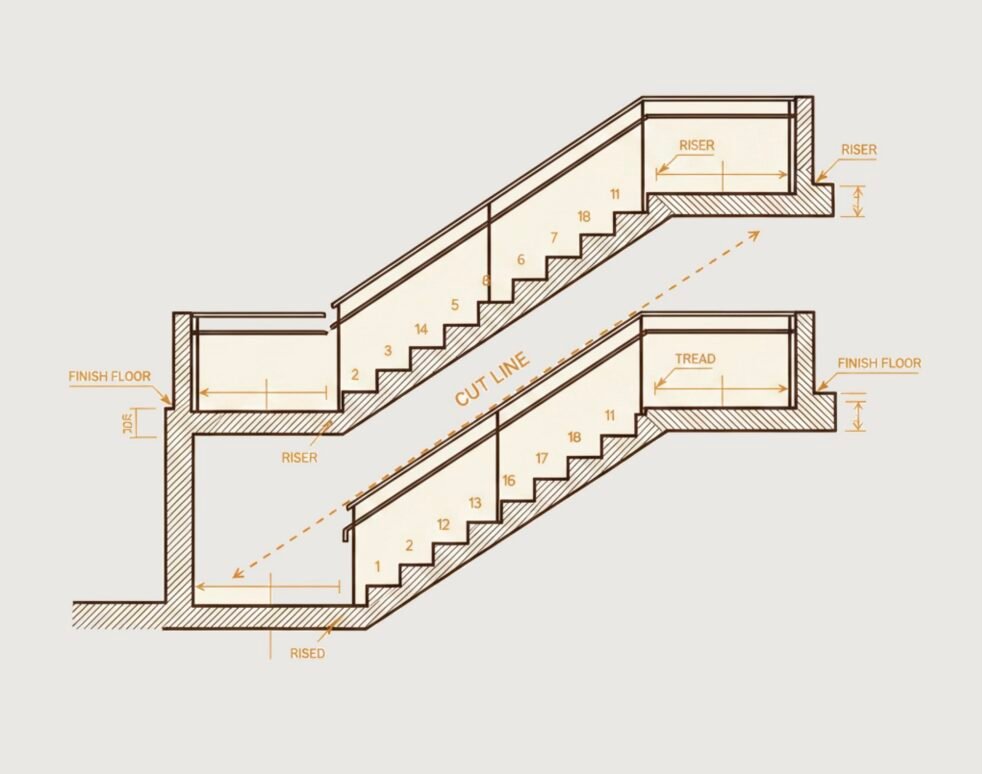
Stair and Tread Numbering in Revit 2027
- Custom Tread Numbering
Improved customization options for stair tread numbering give you full control over how treads are labeled in your documentation. - Above & Below Cut Marks
Apply different graphic styles to treads above and below cut marks, allowing for clearer stair representation in plan views. - Enhanced Stair Documentation
More control over stair documentation means better coordination between plan views, sections, and detail drawings.
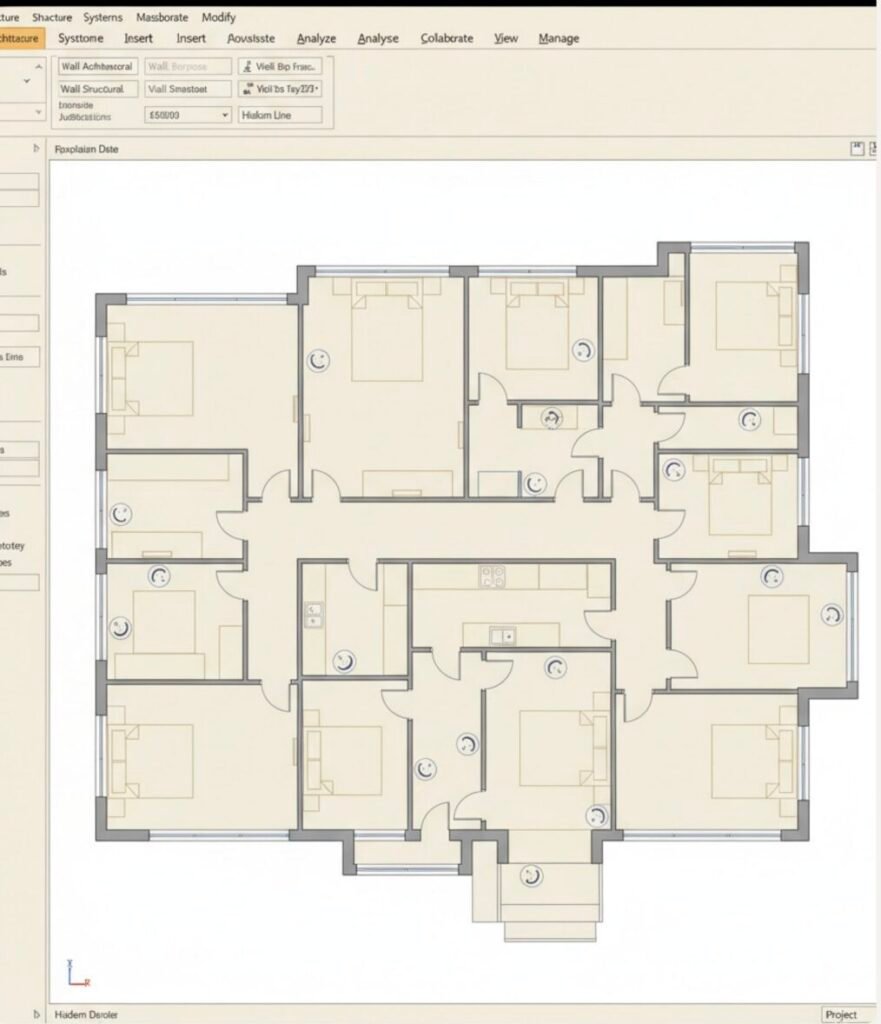
Wall Tool Improvements
- Ribbon-Based Settings
Option Bar settings have been moved to the Ribbon for easier access and better discoverability, streamlining the wall creation workflow. - Better Hosted Wall Handling
Improved behavior for hosted walls ensures more reliable placement and editing, reducing errors in complex wall assemblies. - Automatic Door Openings
Doors now automatically create openings in walls with improved behavior, reducing manual cleanup when placing and moving door families.
If you need professional BIM modeling services, visit our service page for a consultation.
Linked Model Control
- Line Weight Control
Greater control over line weights in Revit links allows you to fine-tune how linked model elements appear in your drawings. - Visibility Graphics Management
Line weight overrides are managed through visibility graphics settings, providing a familiar and centralized control point. - Better Coordination Drawings
These improvements result in higher quality coordination drawings with clearer differentiation between host and linked model elements.
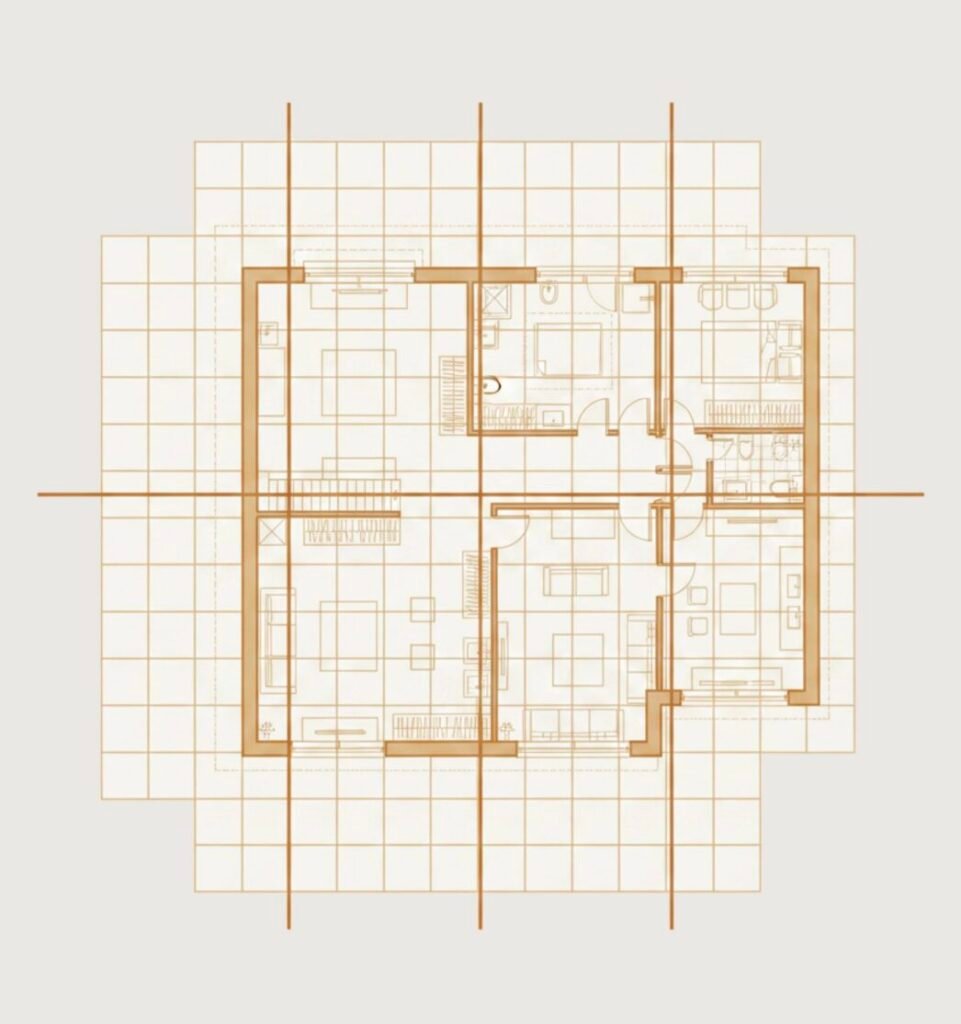
Energy and Carbon Modeling in Revit 2027
- Enhanced Energy Geometry
Improved energy model geometry provides more accurate building envelope representation for energy simulations. - Carbon Data Assets
Add carbon data assets directly to materials, enabling embodied carbon tracking at the material level. - Embodied Carbon Analysis
More accurate embodied carbon analysis helps quantify the environmental impact of design decisions early in the process. - Sustainable Design Goals
Enhanced support for sustainable design goals with integrated tools for energy and carbon performance evaluation.
Finally, Autodesk frames these changes as part of broader support for sustainable design goals. With more integrated tools for energy and carbon performance evaluation, Revit 2027 moves further toward performance-driven BIM workflows rather than documentation-only modeling.
Revit 2027 Features Explained in Video
FAQ About Revit 2027
Q1: Is Revit 2027 worth upgrading to?
Yes, for many teams it is worth upgrading, especially if you want better productivity, cleaner documentation, and improved performance. The upgrade is most valuable for firms that will use rule-based numbering, accelerated graphics, and the new AI assistant in real workflows.
Q2: What are the best new features in Revit 2027?
The most useful features are rule-based numbering, Autodesk Assistant AI, accelerated graphics, better tag and leader control, and carbon modeling tools. These updates focus more on daily workflow improvement than on flashy changes.
Q3: How does Autodesk Assistant AI work in Revit 2027?
Autodesk Assistant is a tech preview built into Revit that lets you ask questions in natural language, query model data, and automate tasks. Autodesk says it supports product help, model queries, and task automation, such as creating schedules or finding model information.
Q4: What sustainability features are included in Revit 2027?
Revit 2027 includes improved energy modeling and carbon analysis tools. Autodesk highlights enhanced energy geometry, material-level carbon data, and tools for embodied carbon analysis, which help teams evaluate sustainability earlier in the design process.